Your brand, from first link to last screen
Customize colors, logos, backgrounds, and AI agent identity so every patient interaction feels like it comes from your practice.
Third-party tools erode patient trust
When patients receive a check-in from an unfamiliar brand, they hesitate. Generic-looking tools feel disconnected from the care relationship. Patients are more likely to engage with something that looks and feels like it comes from the provider they already trust.
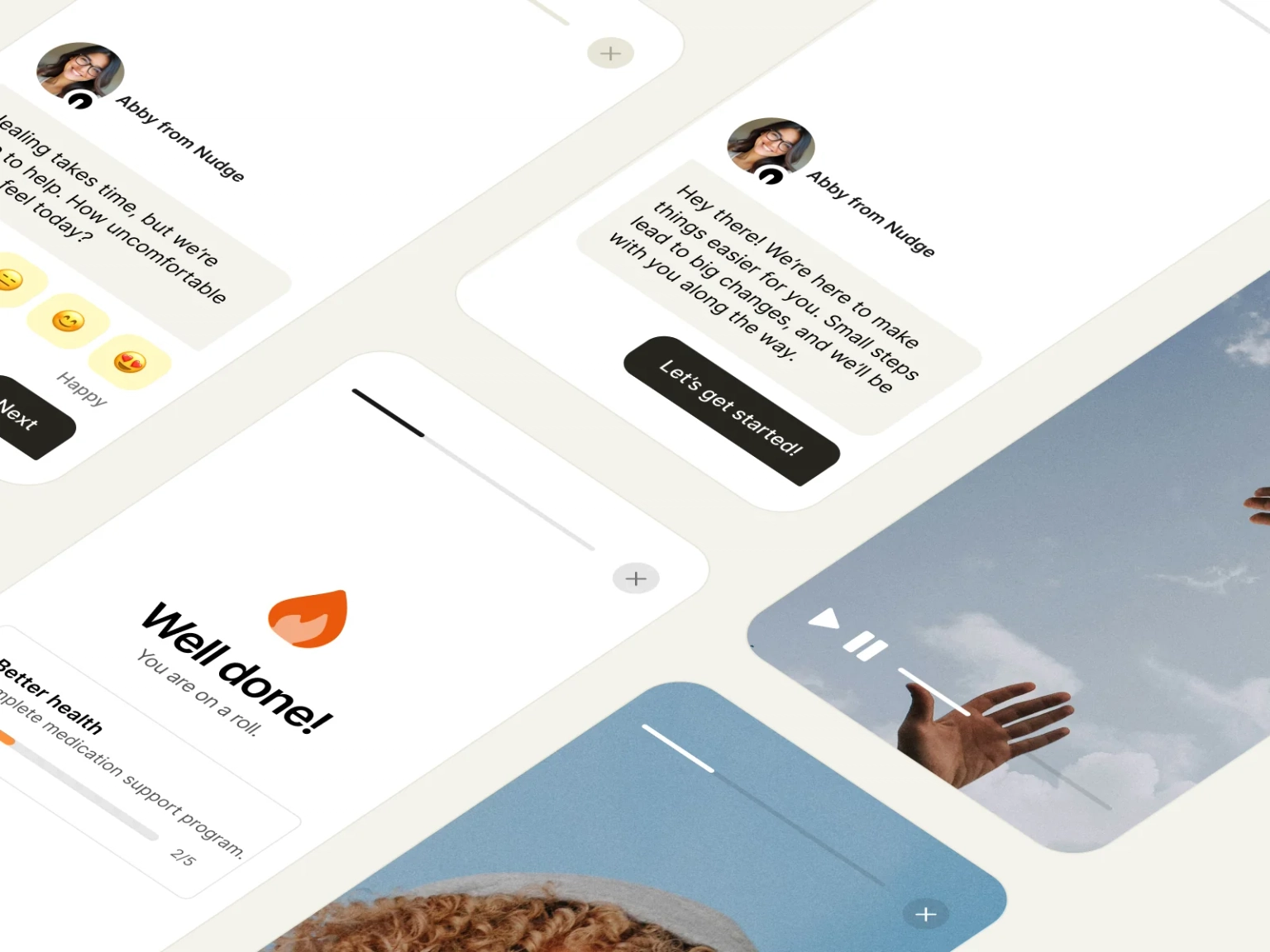
Nudge's theme engine puts your brand on every surface. Patients see your name, your colors, and your logo from the moment they tap a link to the moment they finish.
Every touchpoint, fully branded
One theme configuration applies across Nudges, workflows, the patient portal, login screens, enrollment forms, and AI chat.
One color, a full palette generated automatically
Pick your brand color and Nudge generates a complete 9-shade palette. Buttons, links, selected states, and accents all adapt automatically. Add a custom button text color for contrast.
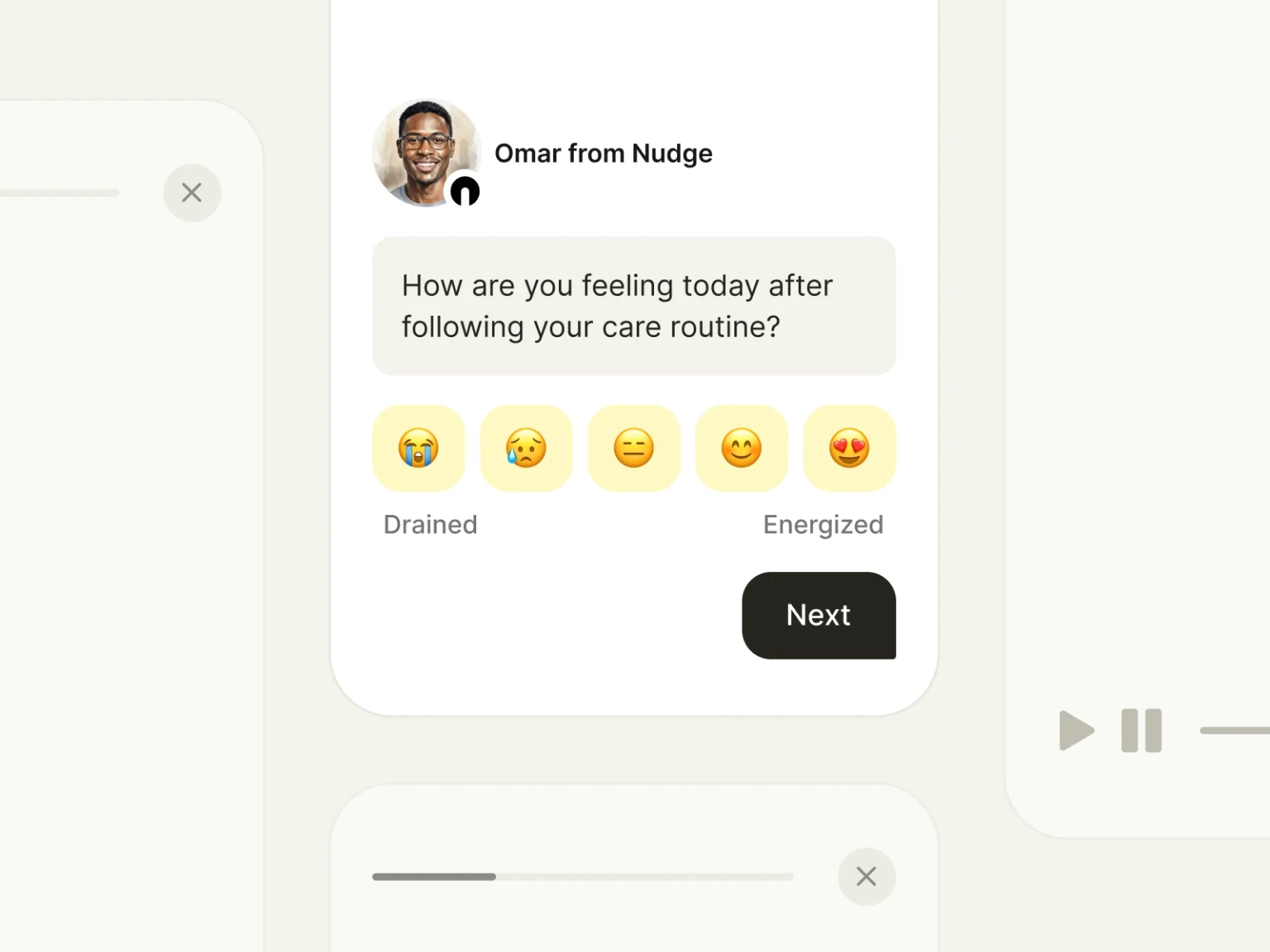
Your logo on every screen
Upload standard and rounded logo variants. They appear on login pages, the patient portal, Nudge headers, and email notifications. Patients always see your identity, not ours.
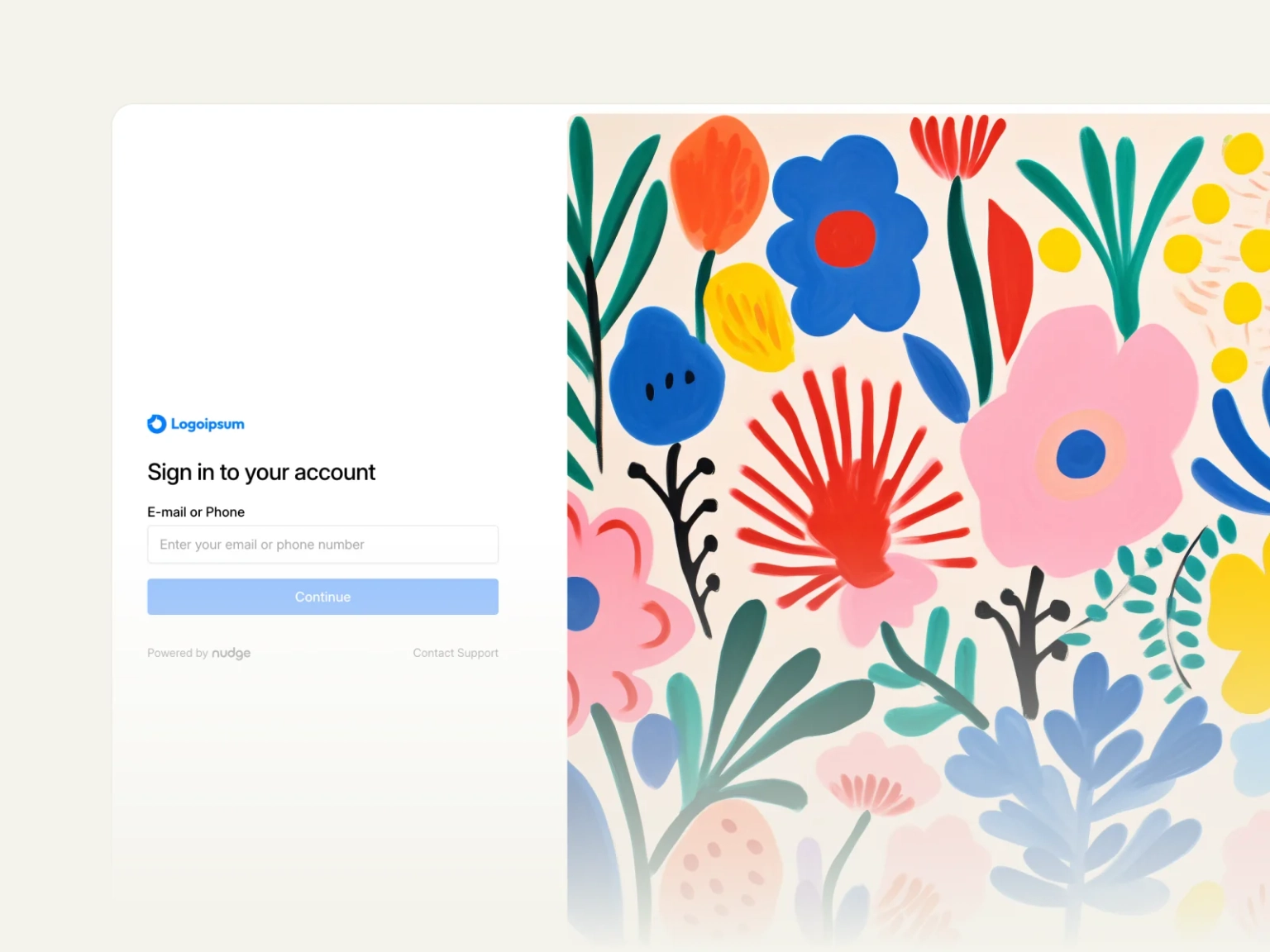
Custom imagery for login, registration, and enrollment
Set unique background images for login, registration, and enrollment form pages. First impressions carry your brand from the very first interaction.
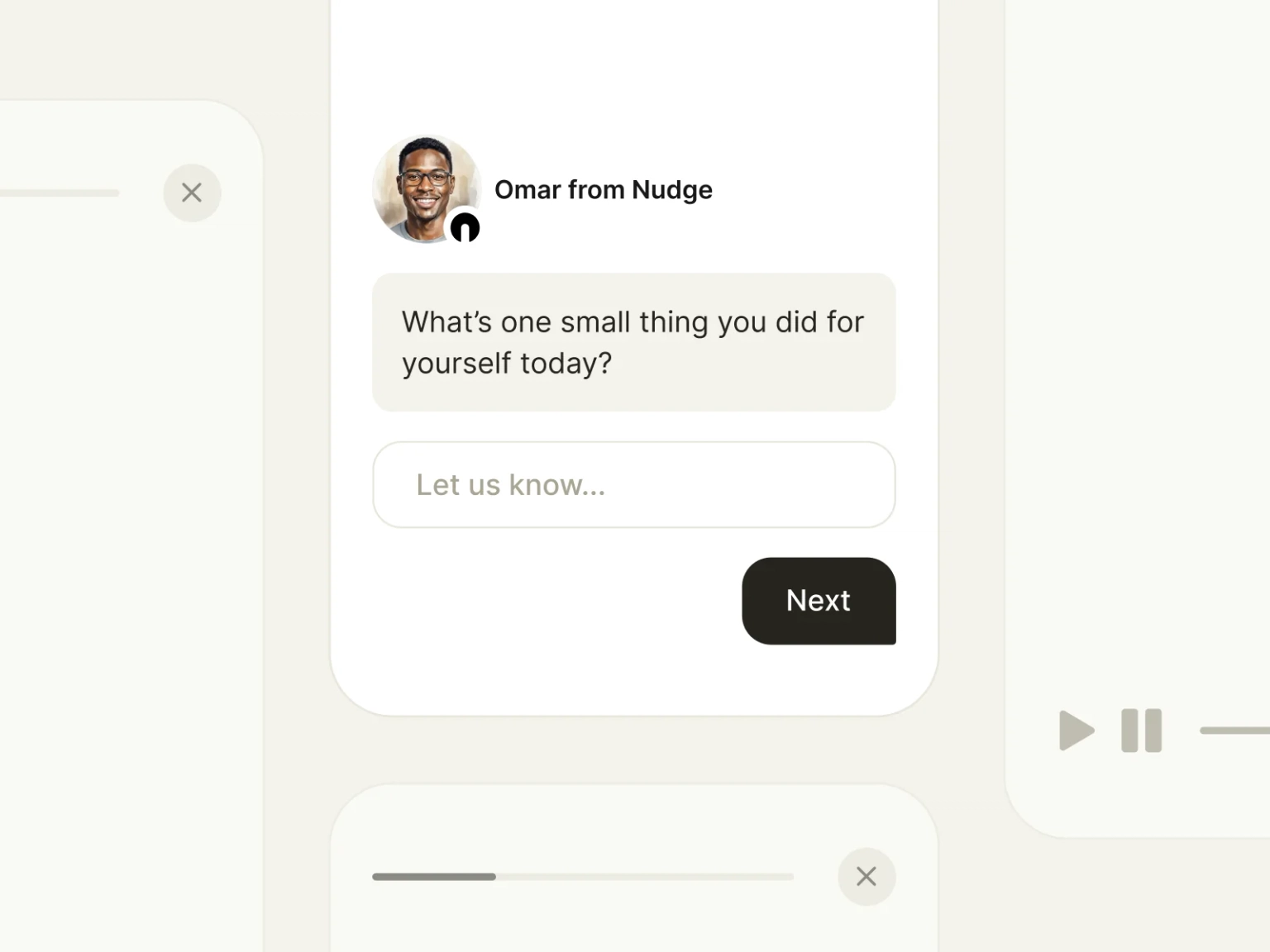
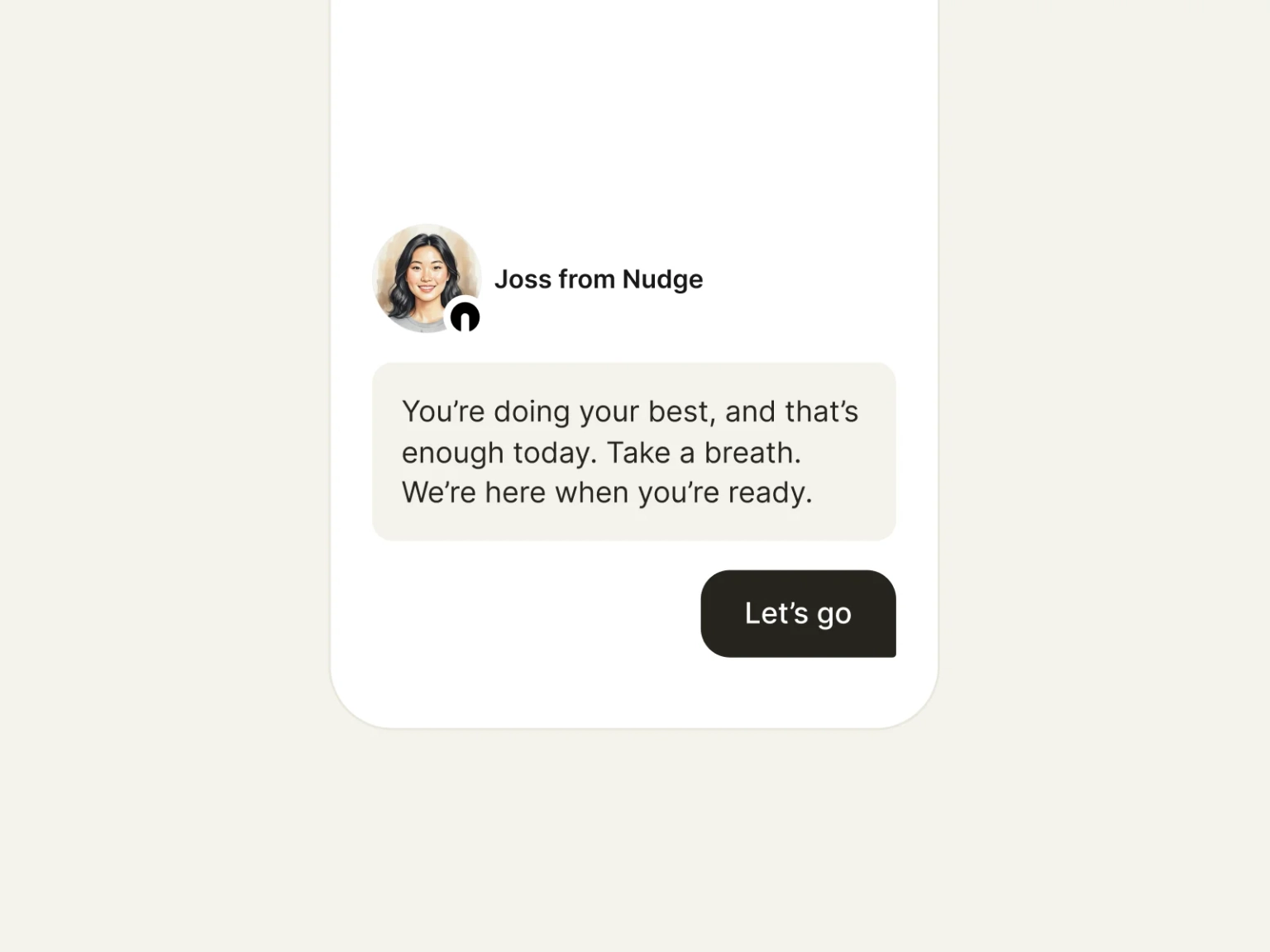
Name and face your AI support companion
Give the AI chat agent a custom name and avatar that matches your practice. Patients interact with a branded assistant, not a generic chatbot.
Different brands for different programs
Create multiple themes per workspace and assign them to specific workflows. A research study can look different from a clinical program, all within the same account.
"Our patients have no idea they are using a third-party tool. Everything looks like KuduCare. That consistency builds trust in a way that matters for behavioral health."
Founder, KuduCare


See your brand on Nudge
Book a walkthrough and we'll show you how your practice identity comes to life across the platform.
Get in touch